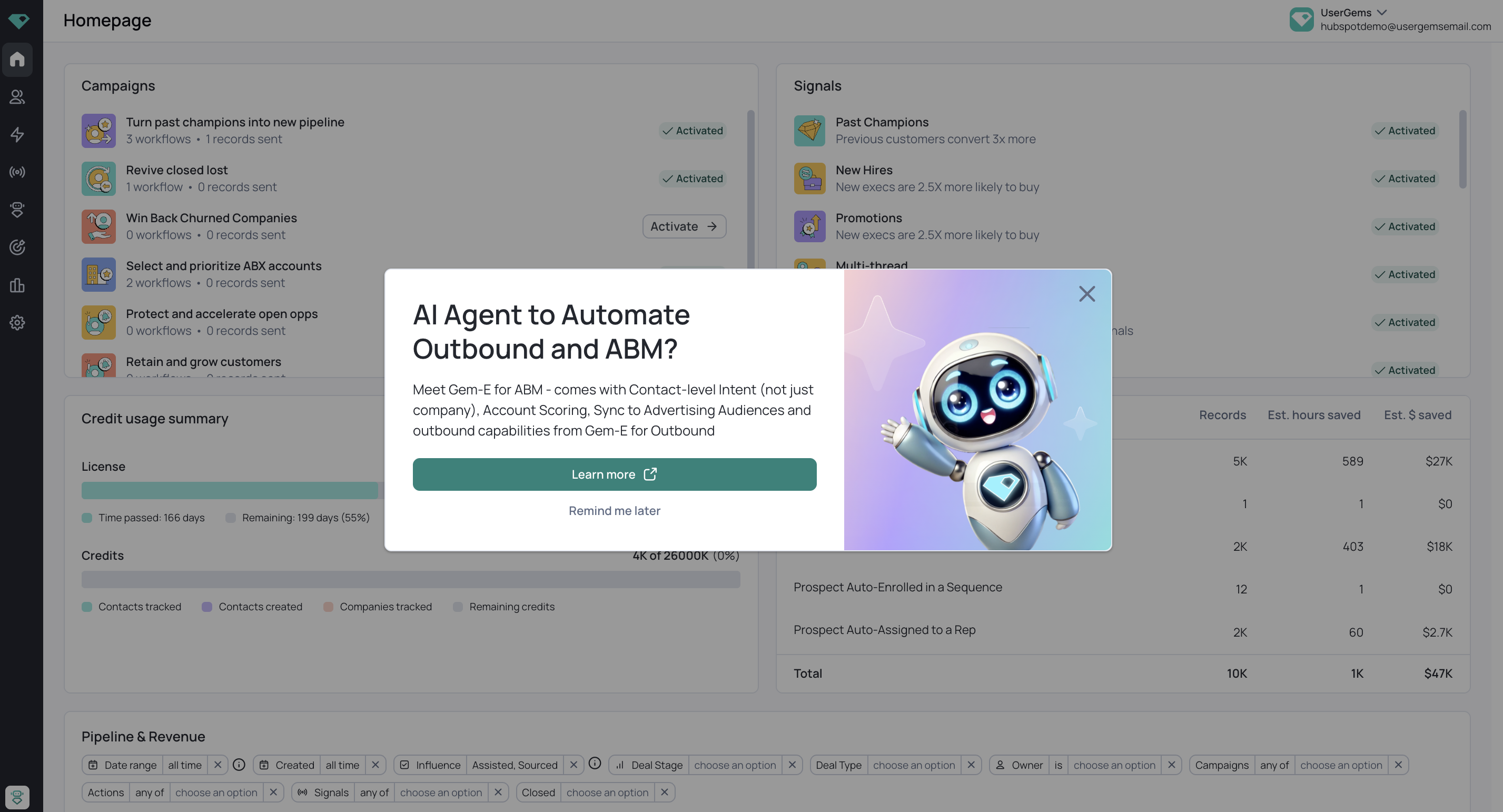
Connecting HubSpot for Proof of Concept (POC)
Who can connect HubSpot to SFDC?
Since this is for Read Only access, any HubSpot user with read only access to the scopes below can establish the connection.
What type of connection is established for a Proof of Concept?
- The connection is Read Only and allows UserGems to access HubSpot lists that you have created for the POC
- Depending on the desired outcomes of your POC, we generally request data on Closed Won and Closed Lost Opp Contacts, Target Companies, Open Opp Accounts, and Customers. Discuss with your Account Executive and Solutions Engineer.
Steps to connect UserGems:
- Authorize & Install:
- (a) User with admin permissions connects app using POC sign up link
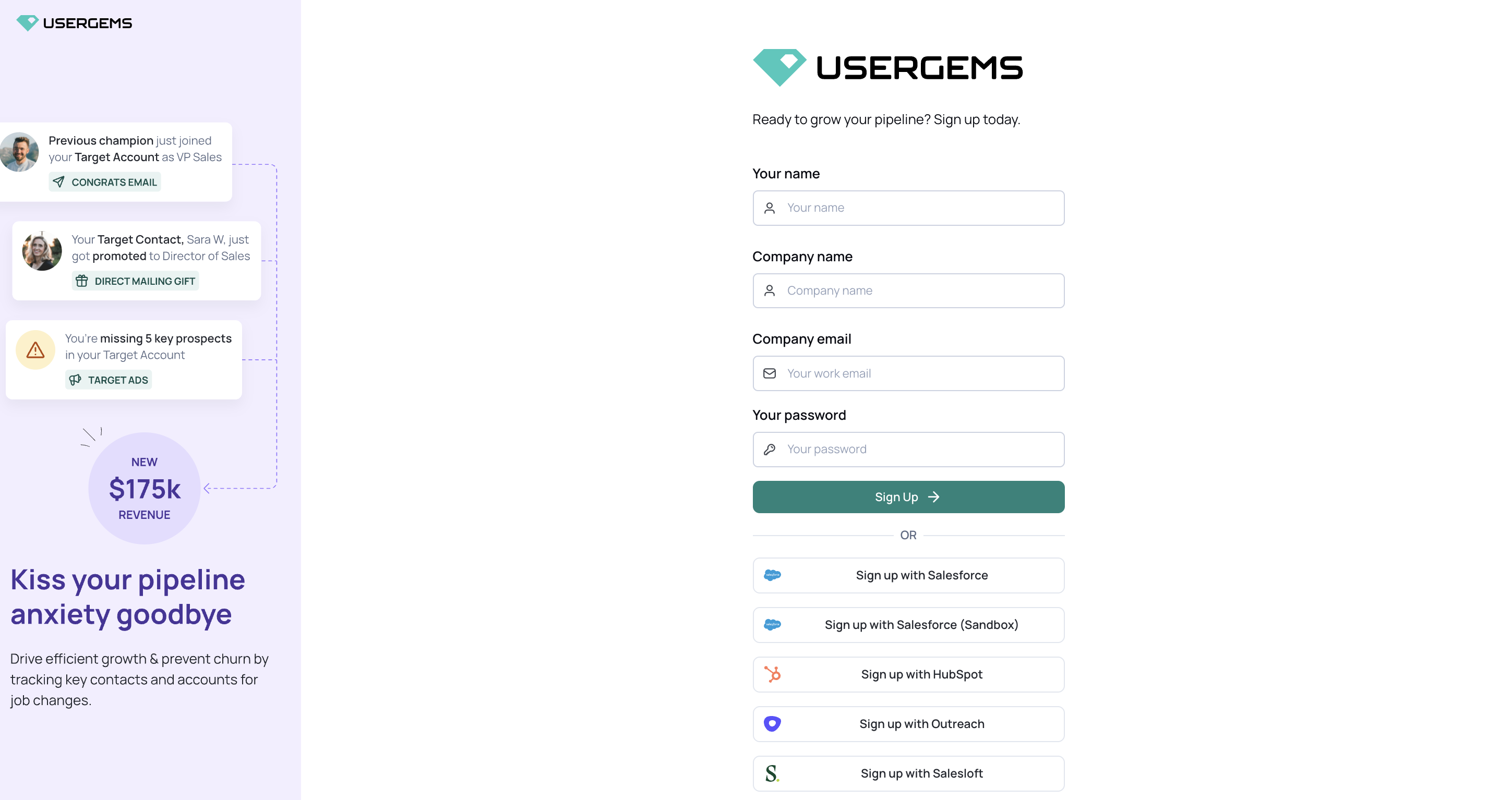
- **click “Sign up with HubSpot”
- (a) User with admin permissions connects app using POC sign up link
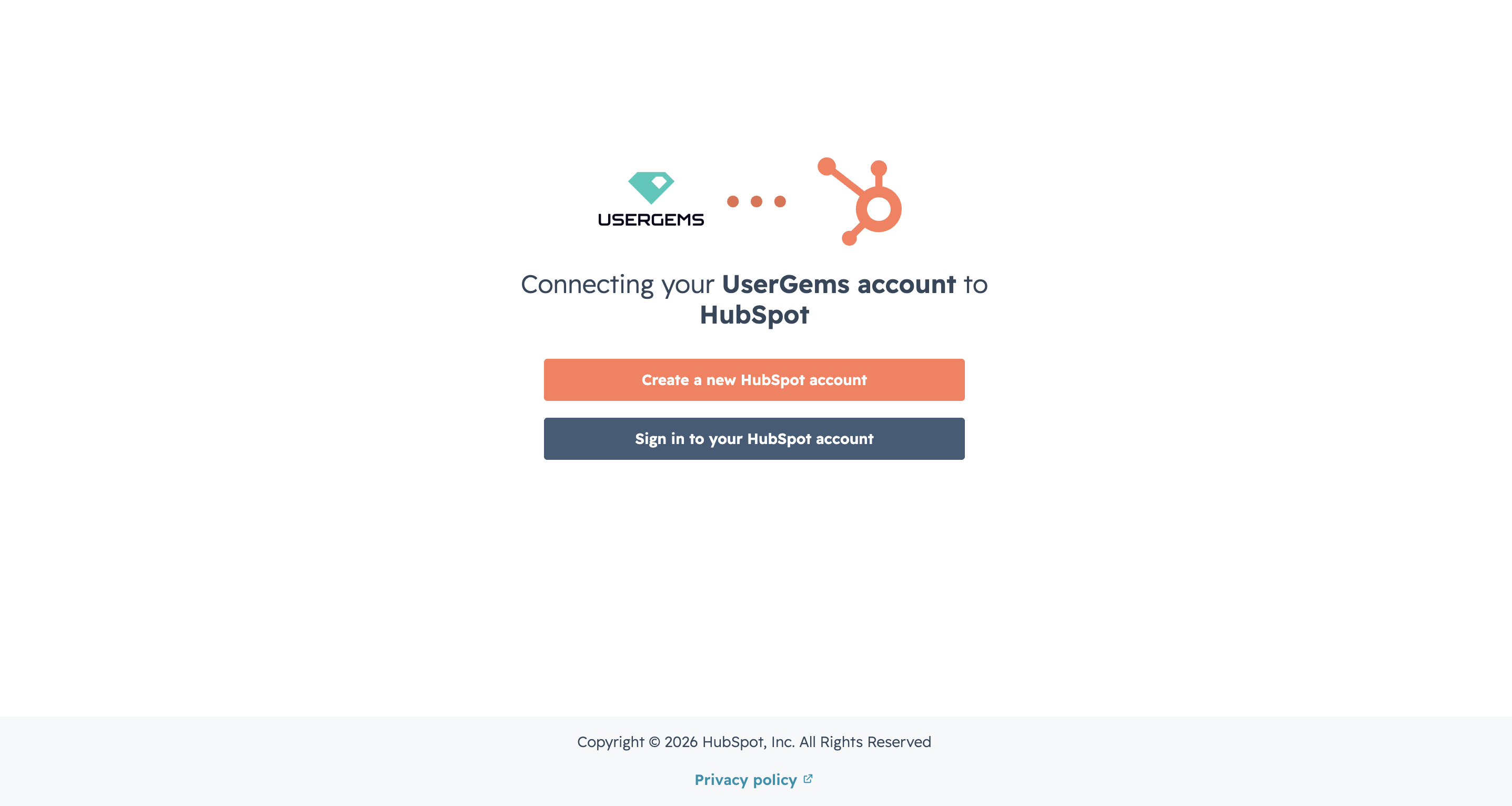
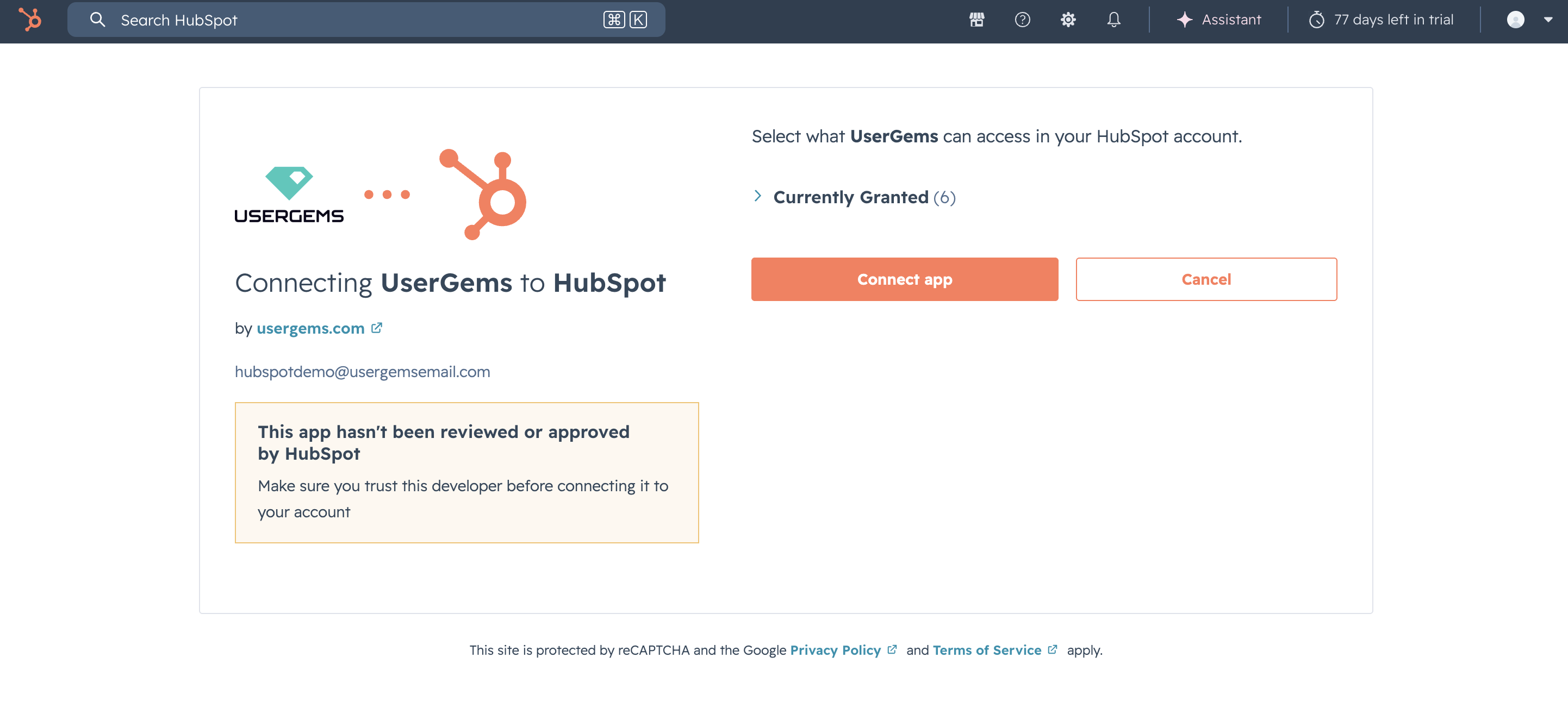
- Sign in to your HubSpot account and connect to UserGems
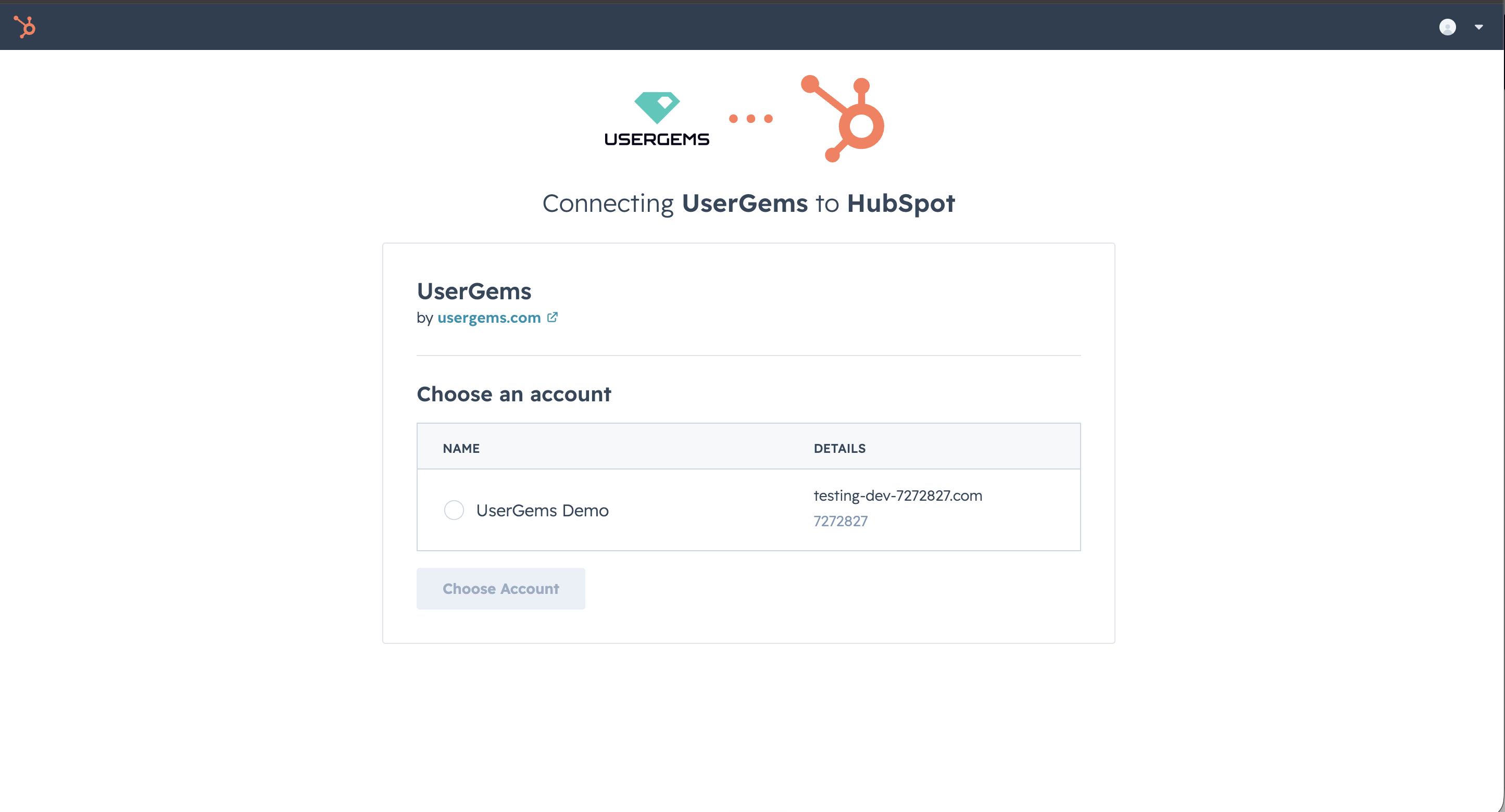
- Accept access by clicking "Connect app"
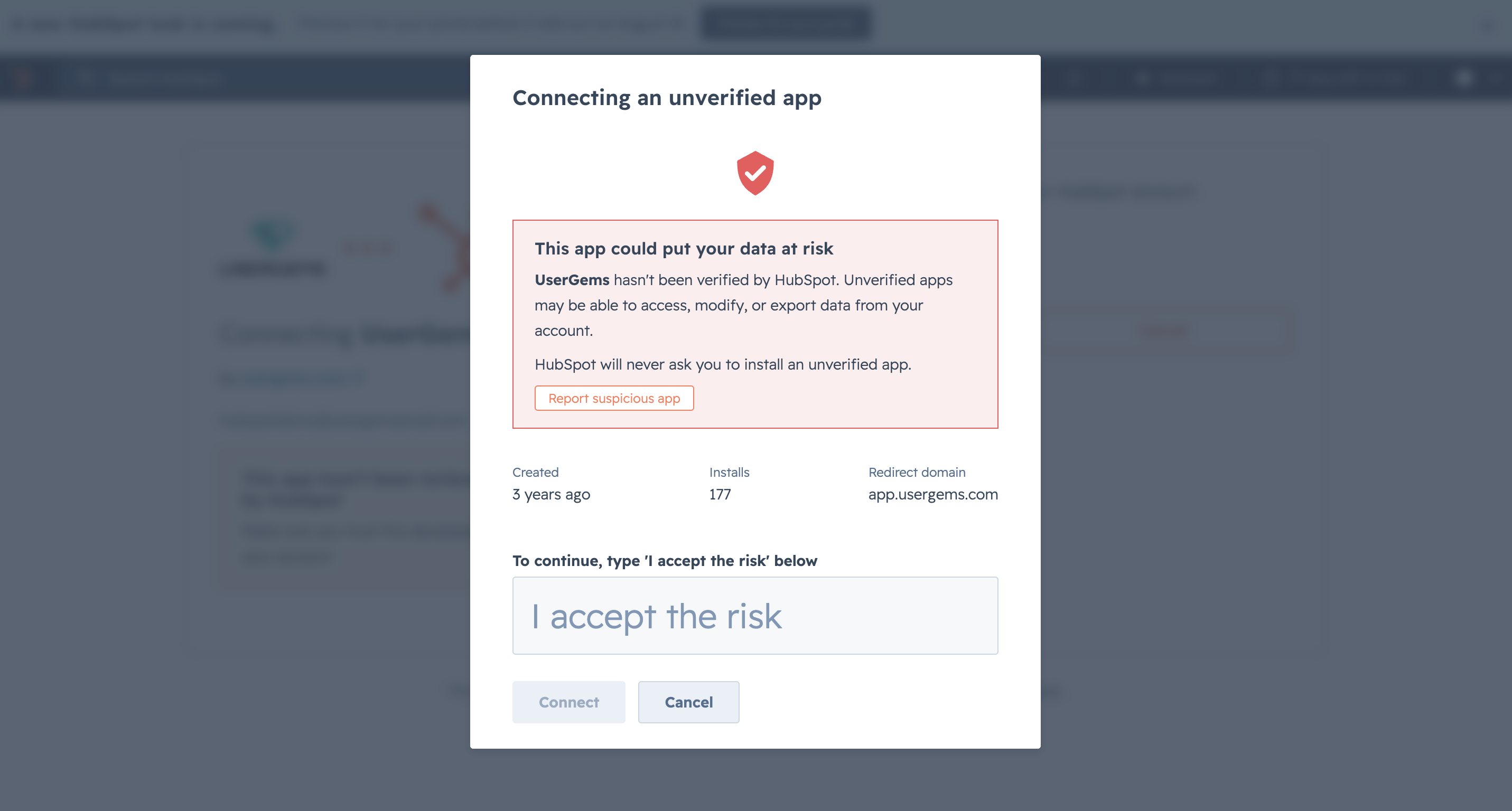
- Type "I accept the risk" to finish establishing the connection
- You've successfully connected HubSpot and UserGems!